TikTok Safe Zone Checker.

Drop in a cover or video frame and instantly see what TikTok, Reels, and Shorts UI will cover — your file never leaves your browser.

Platform

Drop your cover here, or click to choose

Your file never leaves your browser

Text getting cropped?

Design a safe cover with Mate

Bright = safe. Shaded = covered by the app UI.

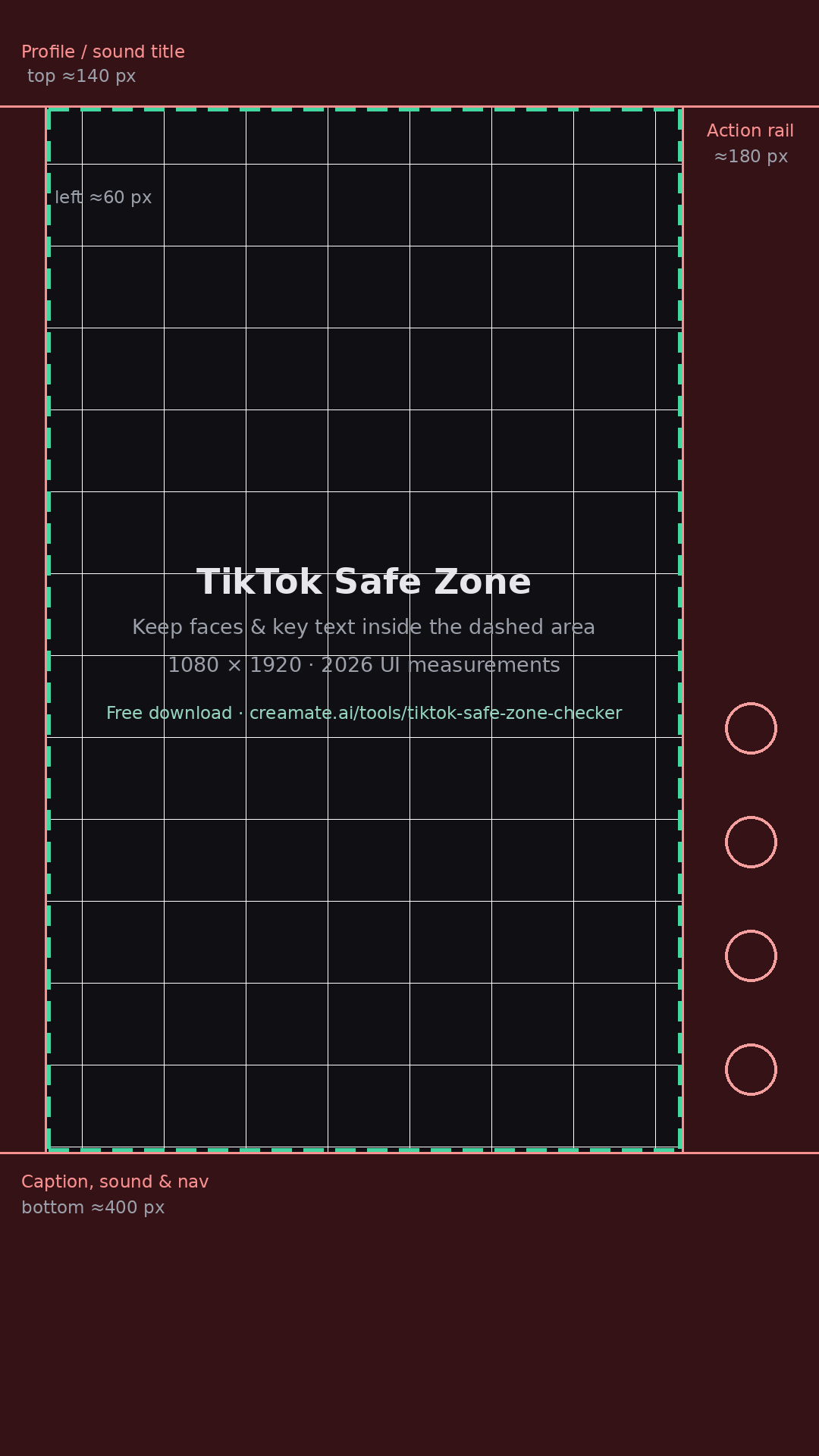
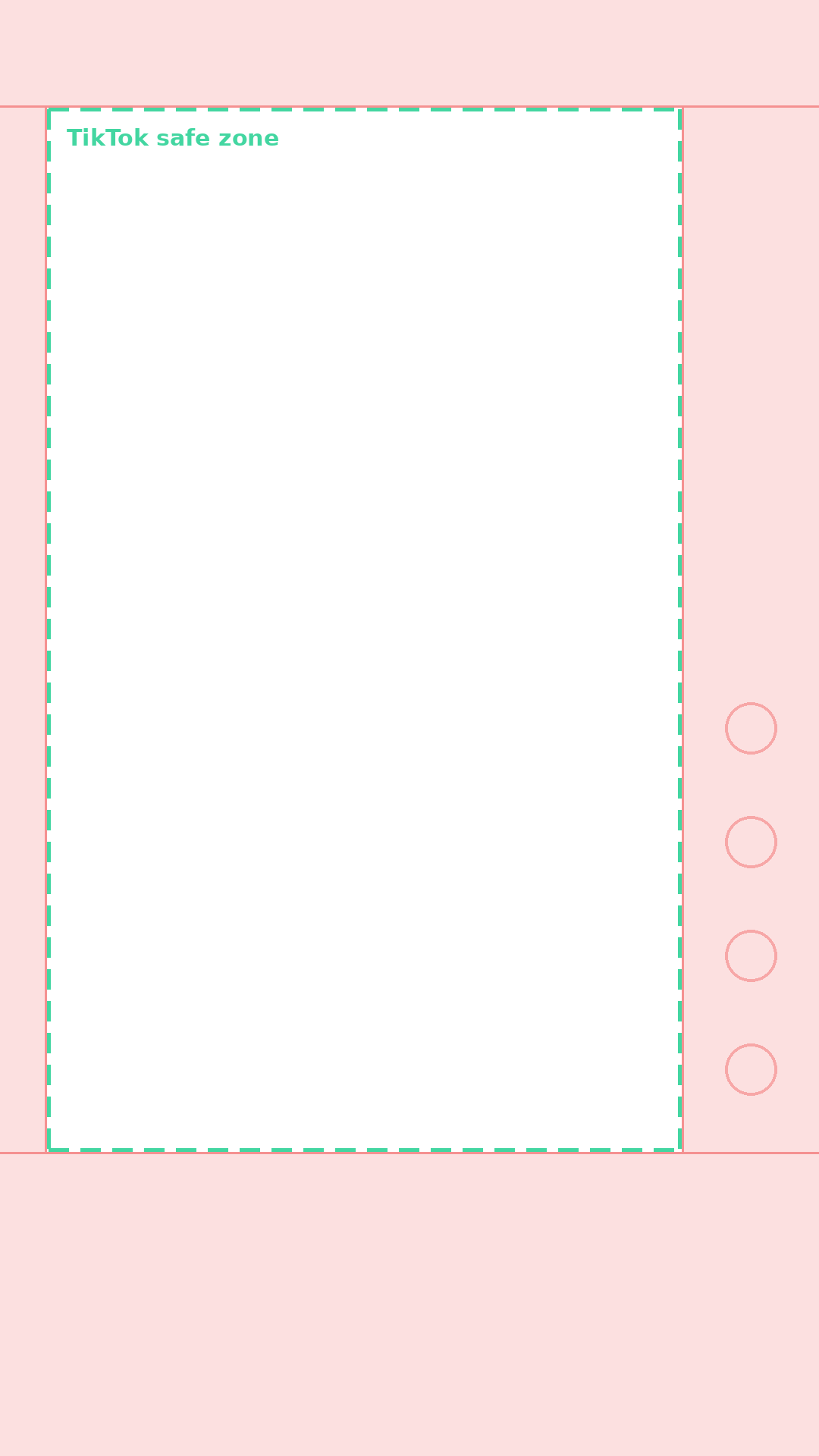
TikTok · 1080×1920 · top 140px / bottom 400px / right 180px
Safe zone cheat sheet, 1080×1920 (2026)

Practical clearance values for a 1080×1920 vertical canvas. App UIs shift slightly between versions — always preview with the tool above before posting:

PlatformTop clearBottom clearLeftRight (action rail)
TikTok≈140 px≈400 px≈60 px≈180 px
Instagram Reels≈140 px≈500 px≈60 px≈130 px
YouTube Shorts≈160 px≈320 px≈60 px≈150 px

One master file for all three?

Keep every key word and face inside the intersection of all three safe zones — roughly the central area from 12% to 72% of the height, with 17% margins on each side. Toggle through the platforms above, then export one master file and skip the rework.

FAQ

What is the TikTok safe zone?

The safe zone is the central area of a 9:16 vertical video where your text and key visuals stay fully visible — outside the areas TikTok's UI covers with the caption, action buttons, profile info, and progress bar.

What are the TikTok safe zone dimensions for 1080×1920?

As a practical rule for 1080×1920: keep roughly 130–220 px clear at the top, 360–500 px clear at the bottom, about 120 px on the left, and 160–180 px on the right where the like, comment, and share buttons sit. Exact UI overlays shift slightly with app versions, so always preview before posting.

Is my image or video uploaded to a server?

No. The preview is rendered entirely in your browser — your file never leaves your device.

Do Reels and Shorts have different safe zones?

Yes, each platform draws its UI differently. Instagram Reels covers more of the bottom with the caption and audio row, and YouTube Shorts places the action rail along the right edge. Use the platform toggle to check all three before you export one master file.

TikTok Safe Zone Checker — Preview Your Cover & Video Free