YouTube Shorts Safe Zone.

Free Shorts safe zone template and transparent overlay (1080×1920 PNG) — or upload a frame and preview the title row and action rail coverage live.

Download the template & overlay

Drop the transparent overlay on the top track of your editor to check the layout, then delete it before export. Free for commercial use, no attribution needed.

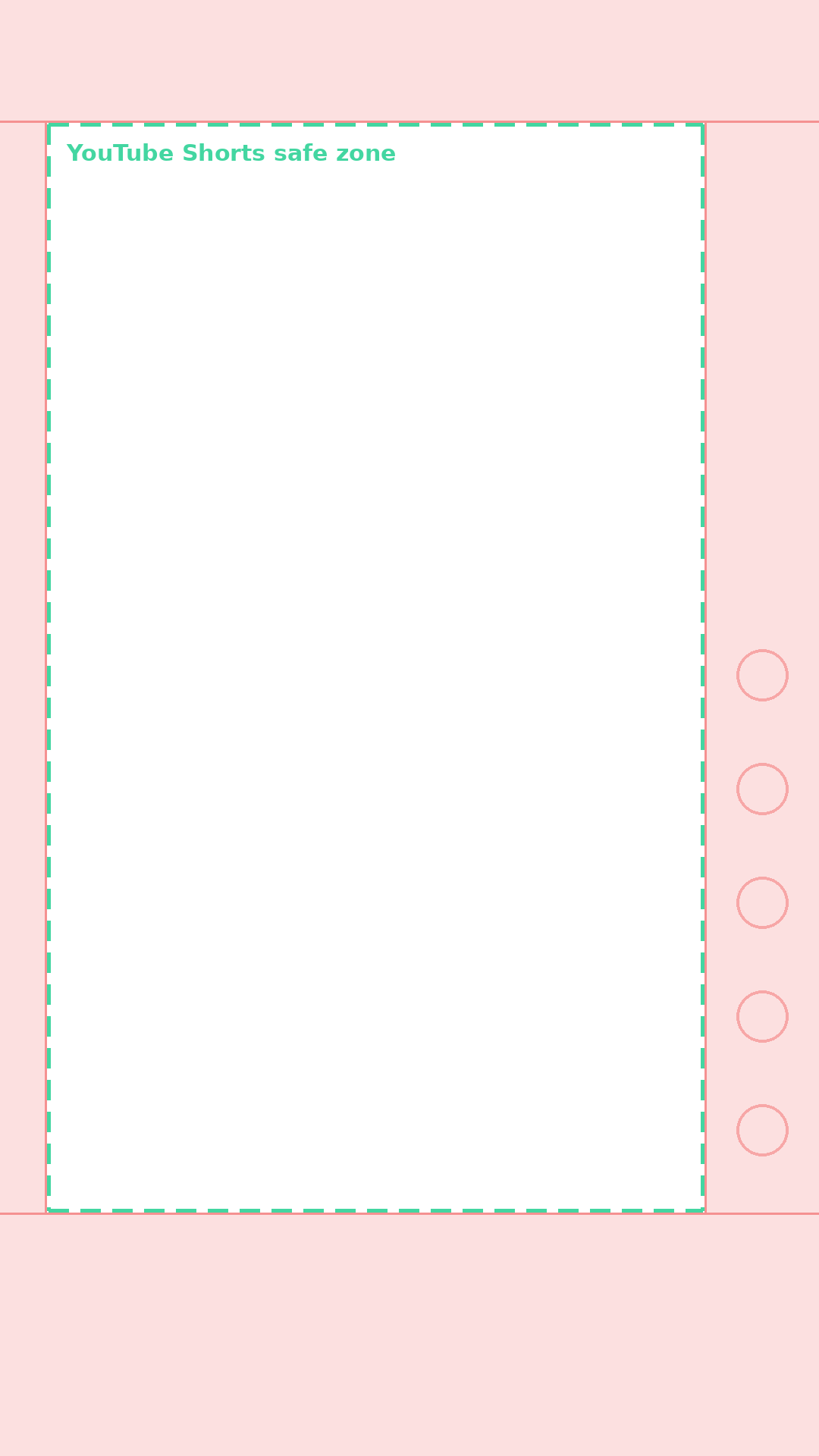
Shorts safe zone template

Shorts safe zone template

PNG · 1080×1920

Shorts transparent overlay

PNG · transparent

TikTok safe zone template

TikTok safe zone template

PNG · 1080×1920

Reels safe zone template

Reels safe zone template

PNG · 1080×1920

Or check your own frame live

Upload a cover or video frame, switch to the Shorts mask, and see what the title, channel row, and action rail will cover — your file never leaves your browser.

Platform

Drop your cover here, or click to choose

Your file never leaves your browser

Text getting cropped?

Design a safe cover with Mate

Bright = safe. Shaded = covered by the app UI.

TikTok · 1080×1920 · top 140px / bottom 400px / right 180px

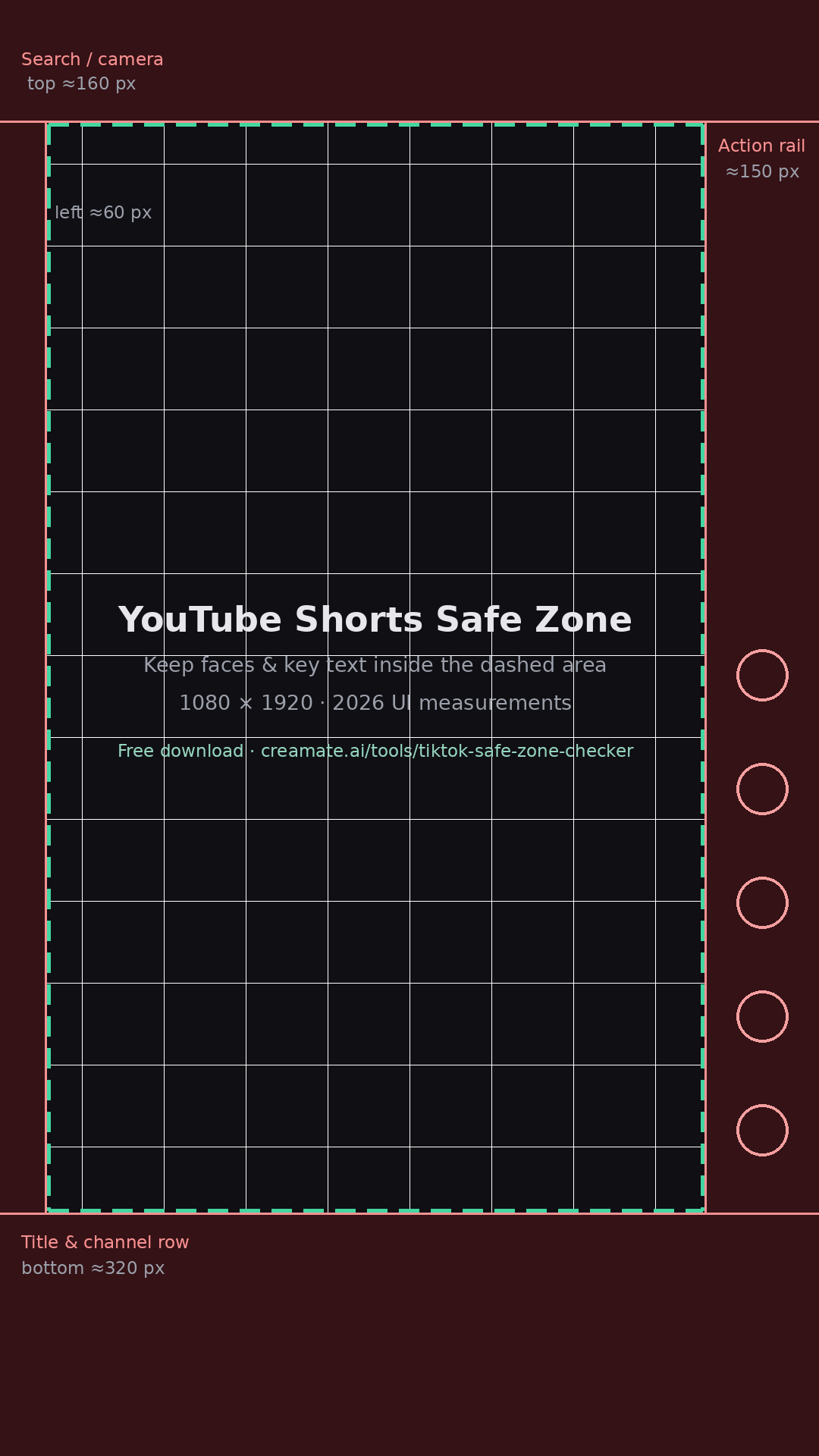
Shorts safe zone values (1080×1920)

AreaClearanceWhat covers it
Top≈160 pxSearch / camera icons
Bottom≈320 pxTitle & channel row
Left≈60 pxEdge cropping
Right≈150 pxLike/comment/share rail

FAQ

What is the YouTube Shorts safe zone?

It is the central area of a 9:16 Short that stays clear of the UI. As of 2026 the Shorts interface covers roughly 160 px at the top, 320 px at the bottom around the title and channel row, and about 150 px on the right action rail.

What size should a Shorts safe zone template be?

1080×1920 (9:16). That is the canvas the templates on this page use, and it maps one-to-one onto what the Shorts player shows on most phones.

How do I add the overlay in my editor?

Import the transparent overlay PNG as the top track, keep faces, captions, and hooks inside the dashed area, then remove the layer before export. It works in CapCut, Premiere, DaVinci, and mobile editors.

Are the Shorts and TikTok safe zones the same?

Close but not identical. Shorts reserves more space at the top for search and camera icons and less at the bottom than Reels. If you post one master file everywhere, keep content inside the intersection of all three platform zones.

YouTube Shorts Safe Zone — Free Template & Overlay (PNG)