TikTok Safe Zone in 2026: Dimensions, Templates & How to Check
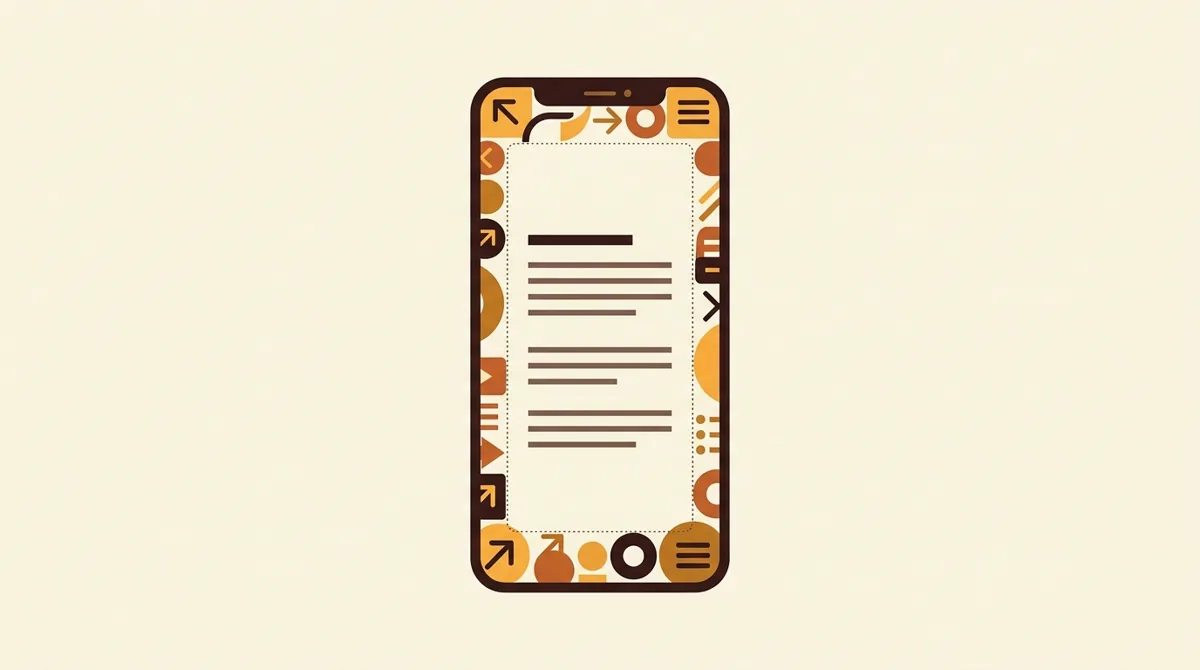
The TikTok safe zone is the central area of a 9:16 video (1080×1920) where text and key visuals are less likely to be covered by the app UI. CreaMate's conservative working preset keeps roughly 140 px clear at the top, 400 px at the bottom, 60 px on the left, and 180 px on the right. Those values are measured design defaults—not official universal dimensions.
TikTok's own safe-zone guidance says the usable area changes with the creative format, caption length, and interactive add-ons, and recommends previewing the actual result. This guide therefore gives a practical starting overlay plus a verification workflow, not a promise that one pixel template fits every placement.
You spent an hour on a cover, posted it, and TikTok's caption covered your headline. Every creator has been there; here's how to never get burned again.
| Edge | Safe margin | What sits there |
|---|---|---|
| Top | ≈140 px clear | The Following / For You tabs |
| Bottom | ≈400 px clear | Caption block, audio row, progress bar — the most dangerous area |
| Left | ≈60 px clear | Edge padding where profile info and caption text start |
| Right | ≈180 px clear | The action rail: like, comment, share |
Source: CreaMate measured preset, reviewed 2026-08; not an official universal TikTok specification.
What is the safe zone?
The safe zone is where your text and key visuals stay fully visible. Everything outside it risks being covered by the app's UI: the caption block, the action rail (like / comment / share), your profile info, and the progress bar.
The catch: every platform draws its UI differently, and the overlays shift slightly with app versions. That's why fixed "magic numbers" are a starting point — not a guarantee.
What are the safe zone dimensions in 2026?
Conservative CreaMate design presets for a 1080×1920 frame:
| Platform | Top clear | Bottom clear | Left | Right (action rail) |
|---|---|---|---|---|
| TikTok | ≈140 px | ≈400 px | ≈60 px | ≈180 px |
| Instagram Reels | ≈140 px | ≈500 px | ≈60 px | ≈130 px |
| YouTube Shorts | ≈160 px | ≈320 px | ≈60 px | ≈150 px |
Treat the table as a preflight overlay. Platform UI, caption length, device, account features, and ad add-ons can change what appears on top of the creative. Three patterns are still worth memorizing:
- The bottom is the most dangerous area. Captions, audio rows, and CTA buttons all live there. If your hook text sits in the bottom third, assume it's covered.
- TikTok's right edge belongs to the action rail. Keep faces and text at least 180 px away from the right side.
- Reels covers the most at the bottom (~500 px) — Instagram stacks caption, audio attribution, and the comment teaser.
How do you design one cover for all three platforms?
If you export one cover for TikTok, Reels, and Shorts, place every key element inside the intersection of all three safe zones — roughly the central band from 12% to 72% of the frame height, with 17% margins on each side.
Practical workflow:
- Design your cover at 1080×1920.
- Run it through the free safe zone checker — it overlays each platform's danger zones right in your browser, and your file never leaves your device.
- Toggle TikTok → Reels → Shorts. If your headline survives all three, export and ship.
- Preview the finished upload in the platform composer or ad preview. The local overlay cannot know your final caption length or account-specific UI.
YouTube similarly provides live visual guides for non-safe areas while editing a Short. That reinforces the same rule: use a template to design, but use the platform preview to approve.
Where can you download safe-zone templates?
If you'd rather design against a guide than check afterwards, the safe zone checker page also has free downloadable template PNGs: a 1080×1920 safe-zone template, a transparent overlay you can drop as a top layer in CapCut, Canva, or any editor, and per-platform variants for TikTok, Reels, and Shorts. No sign-up needed — download, design inside the lines, delete the layer before export.
Which mistakes still get creators in 2026?
- Designing on a 16:9 monitor mindset. Vertical UI eats nearly a third of the frame; desktop previews lie to you.
- Putting the hook text at the very top. The top ~140 px carries the "Following / For You" tabs on TikTok.
- Ignoring the progress bar. Thin, but it sits exactly where bottom-aligned subtitles go.
- Reusing a YouTube thumbnail as a TikTok cover. Different aspect ratio, different UI — always re-check.
Check before you post
Eyeballing it works until it doesn't. The TikTok Safe Zone Checker is free, needs no sign-up, and renders everything locally in your browser. A visible cover is only half the job, though — the headline on it is a hook, and the same rules from how to write a TikTok hook apply; the TikTok hook generator can draft cover-line options, and the caption generator handles the text that sits over your safe zone. And if your text keeps fighting the UI, Mate can design a cover that's born inside the safe zone in the first place.
Verification note: official TikTok and YouTube safe-zone guidance and the CreaMate overlay defaults were rechecked on August 12, 2026.
FAQ
- What is the TikTok safe zone?
- The safe zone is the central area of a 9:16 vertical video where text and key visuals stay fully visible. Everything outside it risks being covered by the app's UI — the caption block, the like/comment/share rail, profile info, and the progress bar.
- What are the TikTok safe zone dimensions for a 1080x1920 video?
- CreaMate's conservative 1080x1920 design preset keeps roughly 140 px clear at the top, 400 px at the bottom, 60 px on the left, and 180 px on the right. These are measured working margins, not official universal TikTok dimensions. TikTok says the safe zone changes with format, caption length, and add-ons, so always preview the final post or ad.
- Is the safe zone the same for TikTok, Reels, and Shorts?
- No. Each platform draws its UI differently — Instagram Reels covers the most at the bottom (roughly 500 px for caption, audio attribution, and comment teaser), while YouTube Shorts covers about 320 px. Check each platform separately or design inside the intersection of all three.
- How do you design one cover that works on TikTok, Reels, and Shorts?
- Place every key element inside the intersection of all three safe zones — roughly the central band from 12% to 72% of the frame height, with about 17% margins on each side — then preview it against each platform's overlay before exporting.
- Where can you download a TikTok safe zone template?
- The free safe zone checker at creamate.ai/tools/tiktok-safe-zone-checker offers downloadable 1080x1920 template PNGs, including a transparent overlay you can drop into your editor and per-platform variants for TikTok, Reels, and Shorts. No sign-up needed.
- What size should a TikTok cover be?
- 1080x1920 pixels, 9:16 aspect ratio — the same frame as the video itself. Design at that size and keep the headline inside the safe zone so the caption block and action rail don't cover it.