Instagram Safe Zone Template.

Free Reels & Stories safe zone templates and transparent overlays (1080×1920 PNG) — or upload a frame and preview the UI coverage live.

Download the templates & overlays

Use the template as a framing reference; drop the transparent overlay on the top track in CapCut, Premiere, or your editor, arrange your layout, and delete it before export. Free for commercial use, no attribution needed.

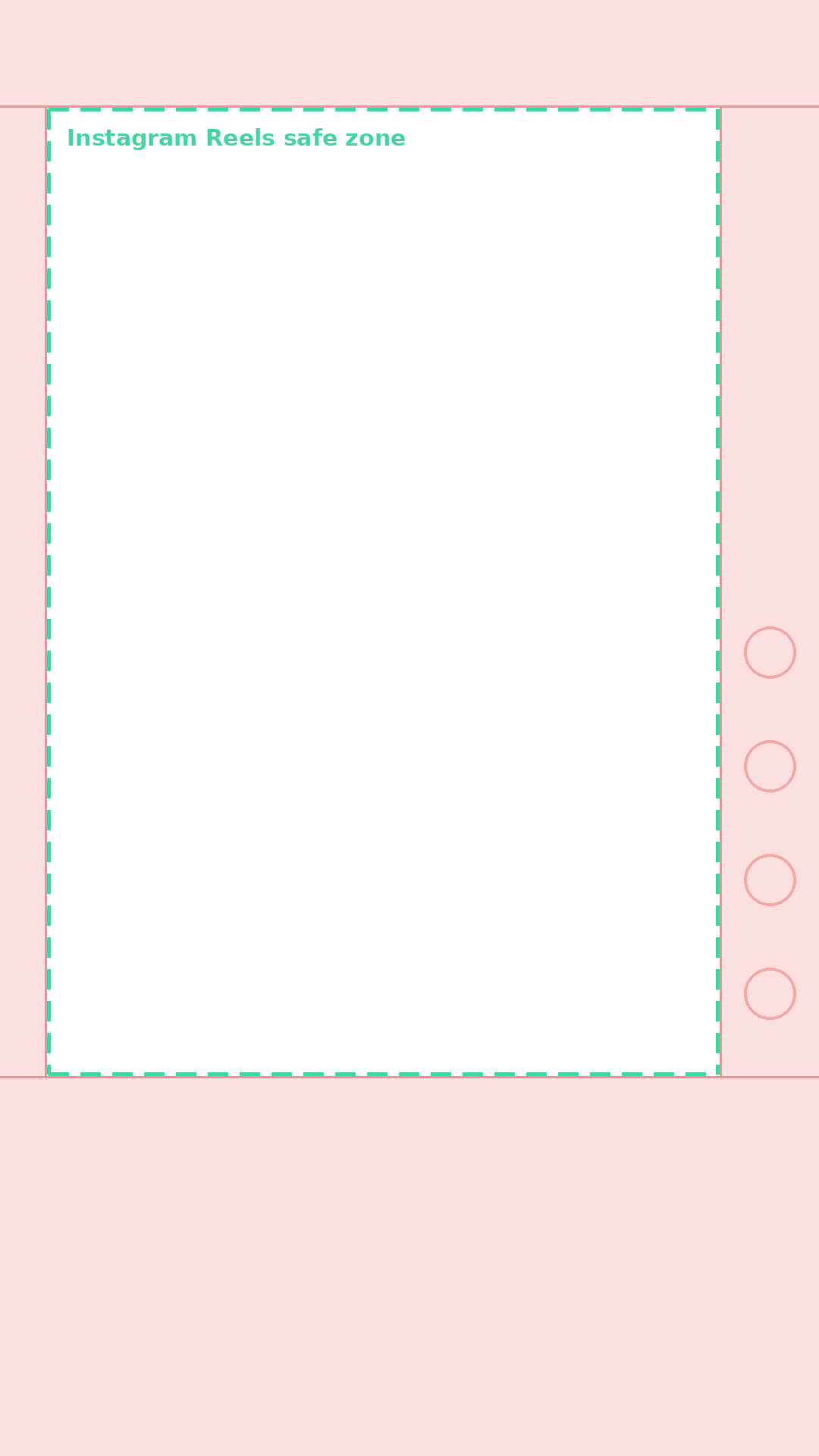
Reels safe zone template

Reels safe zone template

PNG · 1080×1920

Reels transparent overlay

PNG · transparent

Facebook Reels template

Facebook Reels template

PNG · 1080×1920

Facebook transparent overlay

PNG · transparent

Or check your own frame live

Upload a cover or video frame, switch to the Reels mask, and see exactly what the caption row, audio row, and action rail will cover — your file never leaves your browser.

Platform

Drop your cover here, or click to choose

Your file never leaves your browser

Text getting cropped?

Design a safe cover with Mate

Bright = safe. Shaded = covered by the app UI.

TikTok · 1080×1920 · top 140px / bottom 400px / right 180px

Instagram safe zone values (1080×1920)

AreaClearanceWhat covers it
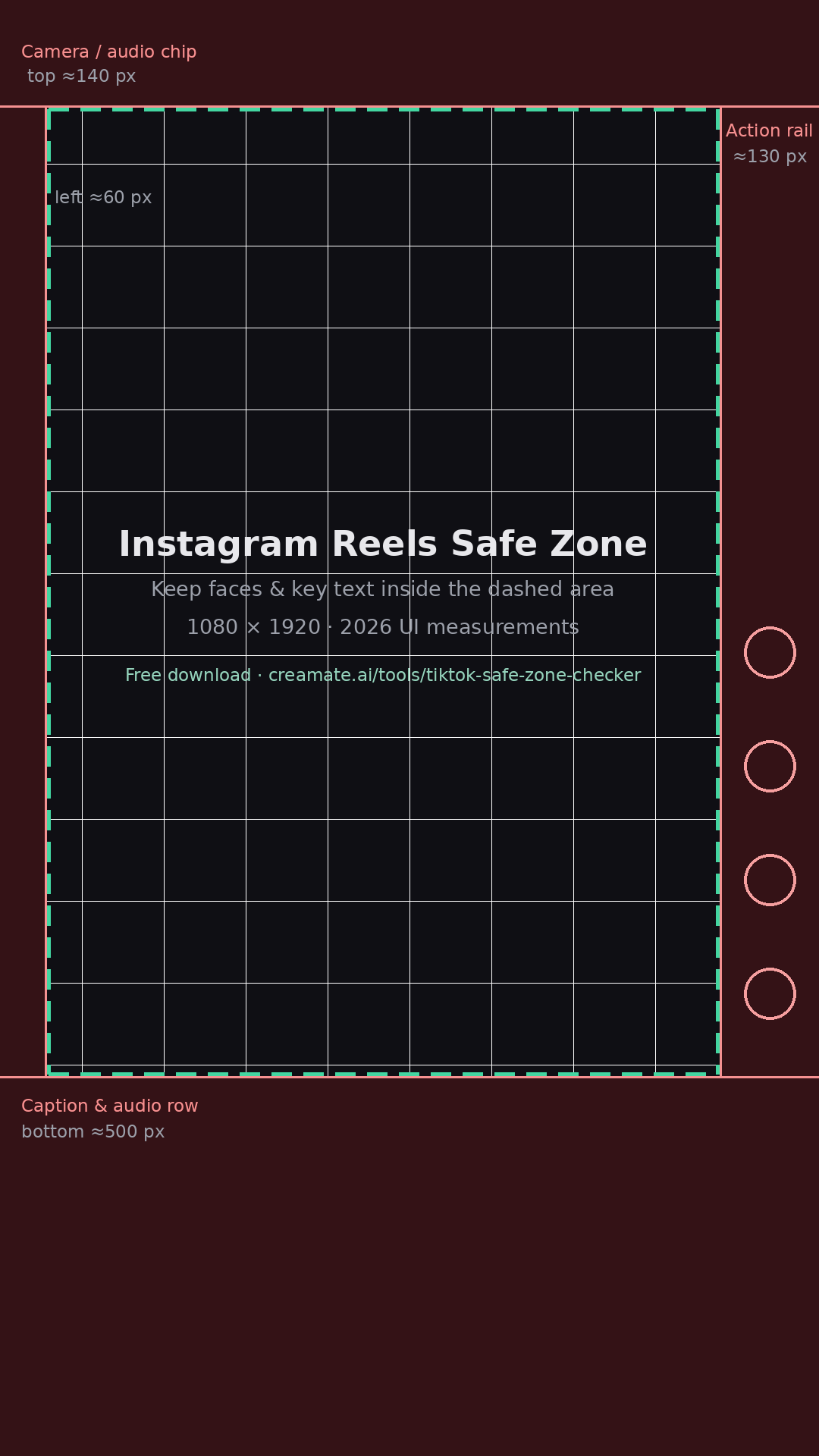
Top≈140 pxCamera entry / audio chip
Bottom≈500 pxCaption, audio row & CTA
Left≈60 pxEdge cropping
Right≈130 pxLike/comment/share rail

FAQ

What is the Instagram Reels safe zone?

It is the central area of a 9:16 Reel where text and key visuals stay fully visible. Instagram's UI covers roughly 140 px at the top, 500 px at the bottom around the caption and audio row, and about 130 px on the right action rail.

How do I use the safe zone template PNG?

Drop the transparent overlay onto the top layer of your edit in CapCut, Premiere, or the Reels composer preview, arrange your text and subject inside the dashed area, then delete the overlay before exporting.

Is the template free for commercial use?

Yes. All safe zone templates and overlays on this page are free to download and use in client or brand work, no attribution required.

Does the same file work for Instagram Stories?

Mostly. Stories share the 1080×1920 canvas but move interactive stickers around, so keep critical text inside the Reels-safe area and it will survive Stories placement too.

Why does my Reel still get cropped on some phones?

Older or shorter screens crop the 9:16 frame slightly at top and bottom. The dashed safe area in the template already accounts for typical cropping, which is why edge-to-edge text is risky.

Instagram Safe Zone Template — Free PNG for Reels & Stories