YouTube Shorts Safe Zone
Drop a cover. See what Shorts covers.
Same Safe Zone tool — switch to Shorts in the checker.
Platform
Drop your cover here, or click to choose
Your file never leaves your browser
Text getting cropped?
Make a safe coverShorts · 1080×1920 · top 160px / bottom 320px / right 150px
FAQ
What is the YouTube Shorts safe zone?
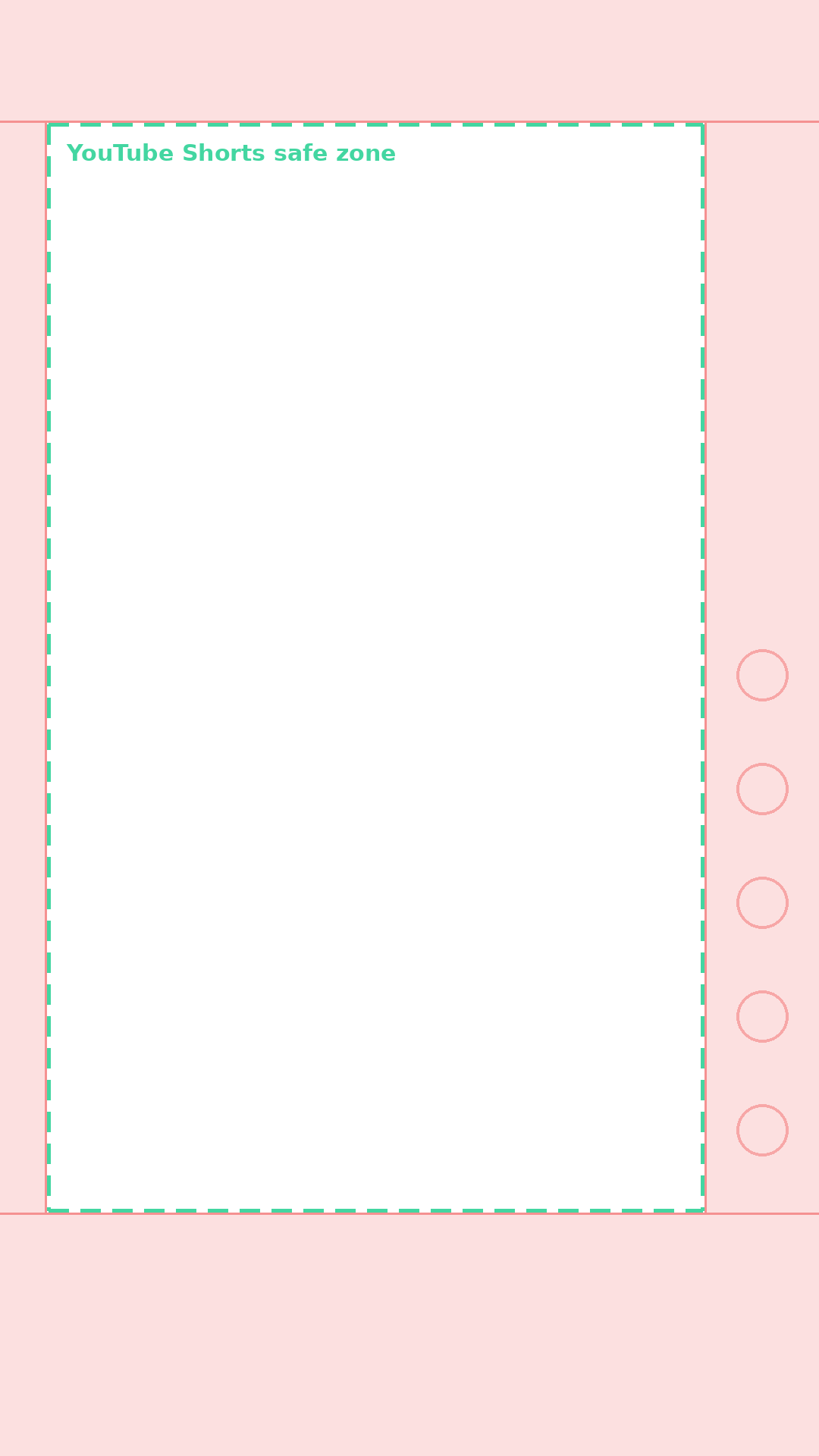
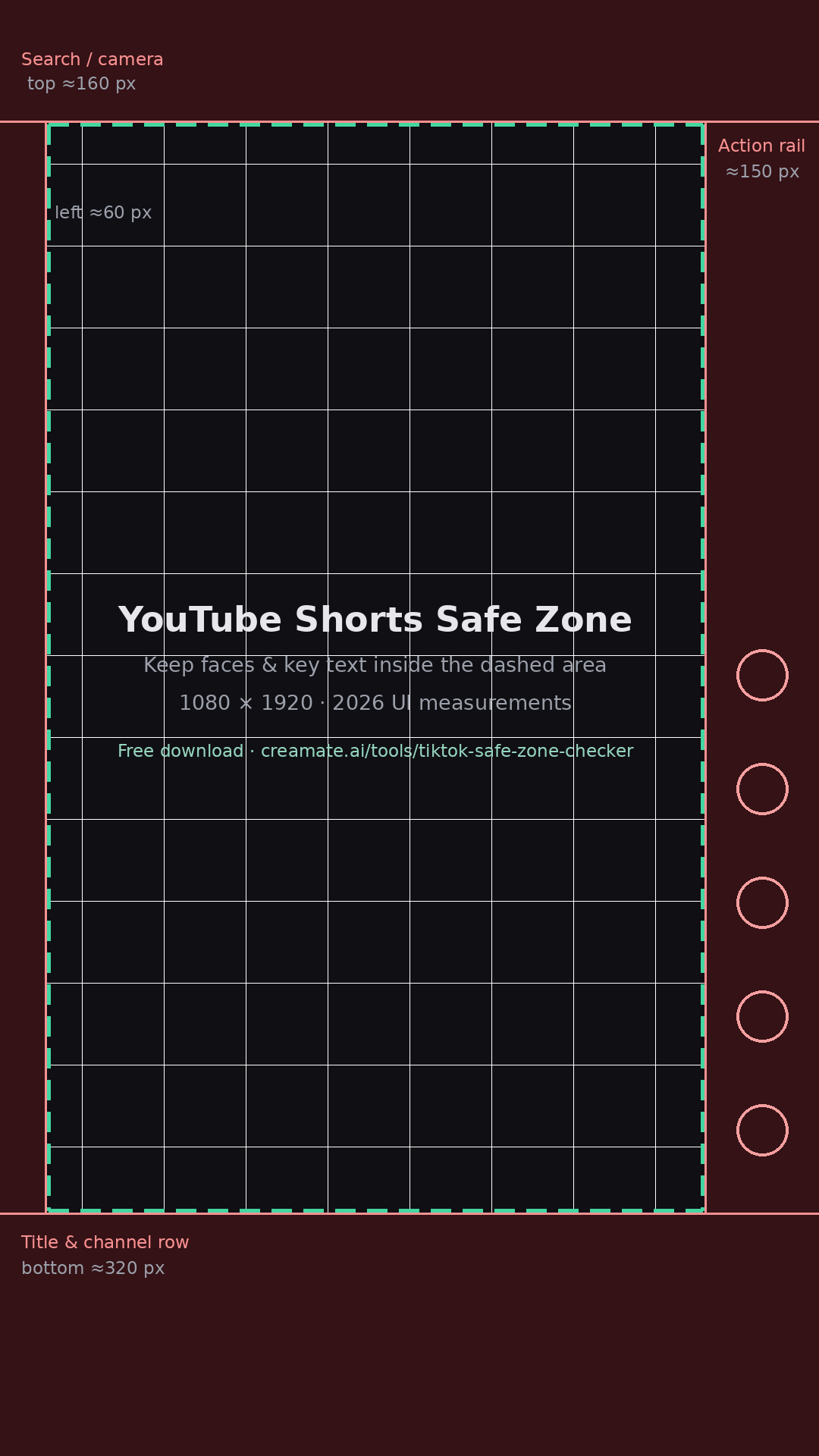
It is the central area of a 9:16 Short that stays clear of the UI. As of 2026 the Shorts interface covers roughly 160 px at the top, 320 px at the bottom around the title and channel row, and about 150 px on the right action rail.
What size should a Shorts safe zone template be?
1080×1920 (9:16). That is the canvas the templates on this page use, and it maps one-to-one onto what the Shorts player shows on most phones.
How do I add the overlay in my editor?
Import the transparent overlay PNG as the top track, keep faces, captions, and hooks inside the dashed area, then remove the layer before export. It works in CapCut, Premiere, DaVinci, and mobile editors.